GPT Image 1.5
OpenAI has officially launched a completely new ChatGPT image experience, powered by the latest flagship image generation model. Whether you're creating from scratch or editing photos, getting the results you want just got easier. It can make precise modifications while preserving details like human features, with generation speeds up to 4 times faster. Plus, new image capabilities have been added to ChatGPT, making image creation more delightful and intuitive, helping you spark inspiration and making creative exploration effortless.
Create Stunning Images with GPT Image 1.5
Experience the power of OpenAI's most advanced image model. From detailed edits to rapid creation, GPT Image 1.5 brings professional-quality imaging to your fingertips.
Start Creating with GPT Image 1.5What is GPT Image 1.5?
GPT Image 1.5 is OpenAI's newest flagship image model powering the latest ChatGPT Images. It delivers significantly faster image generation with stronger instruction following, more precise edits that preserve original details, more believable transformations, and improved rendering of dense or small text. It is suited for practical creative workflows, detailed design tasks, and production use cases.
The model represents a fundamental shift in how we interact with AI image generation. Instead of accepting whatever the AI produces and hoping for the best, GPT Image 1.5 gives you real control. Want to change just the background while keeping a person's face identical? Done. Need to add text that's actually readable? No problem. This level of precision was previously impossible with generative AI.
What makes this particularly exciting for creators is how it fits into actual workflows. Designers no longer need to generate dozens of variations hoping one will be right—they can iterate with surgical precision. Marketing teams can quickly adapt existing visuals for different campaigns without starting from scratch. The speed improvements mean what used to take minutes per image now happens in seconds, transforming image generation from a batch process into an interactive tool.
GPT Image 1.5 in Action
See the stunning quality and precision that GPT Image 1.5 delivers across different creative scenarios.

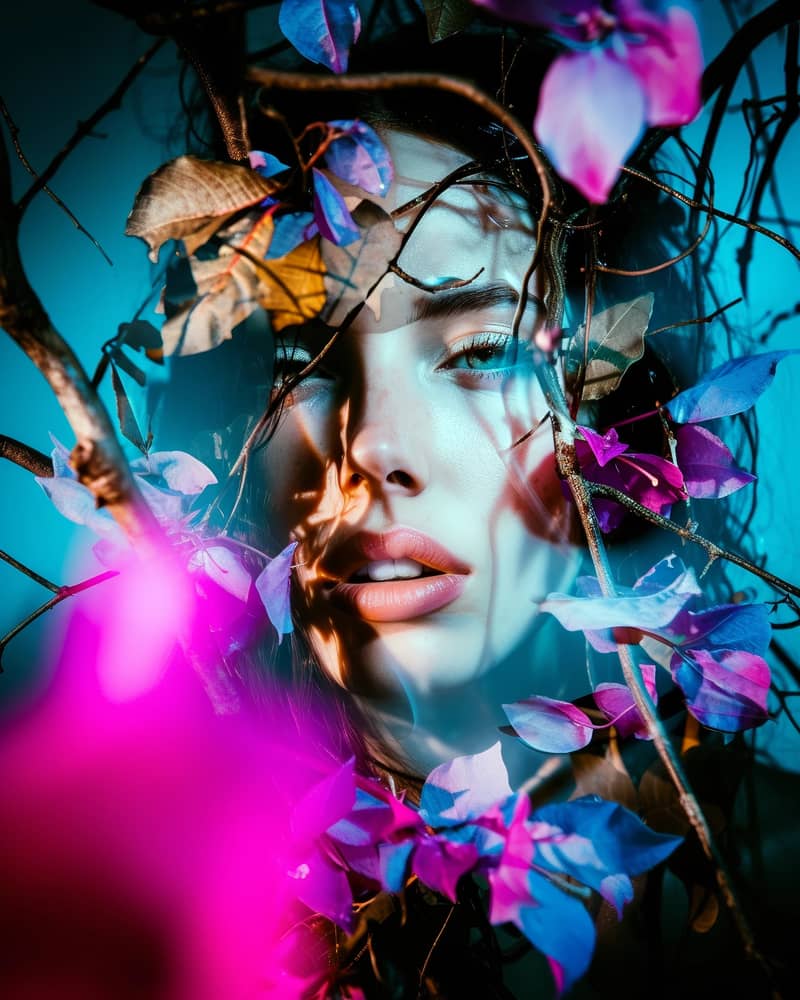
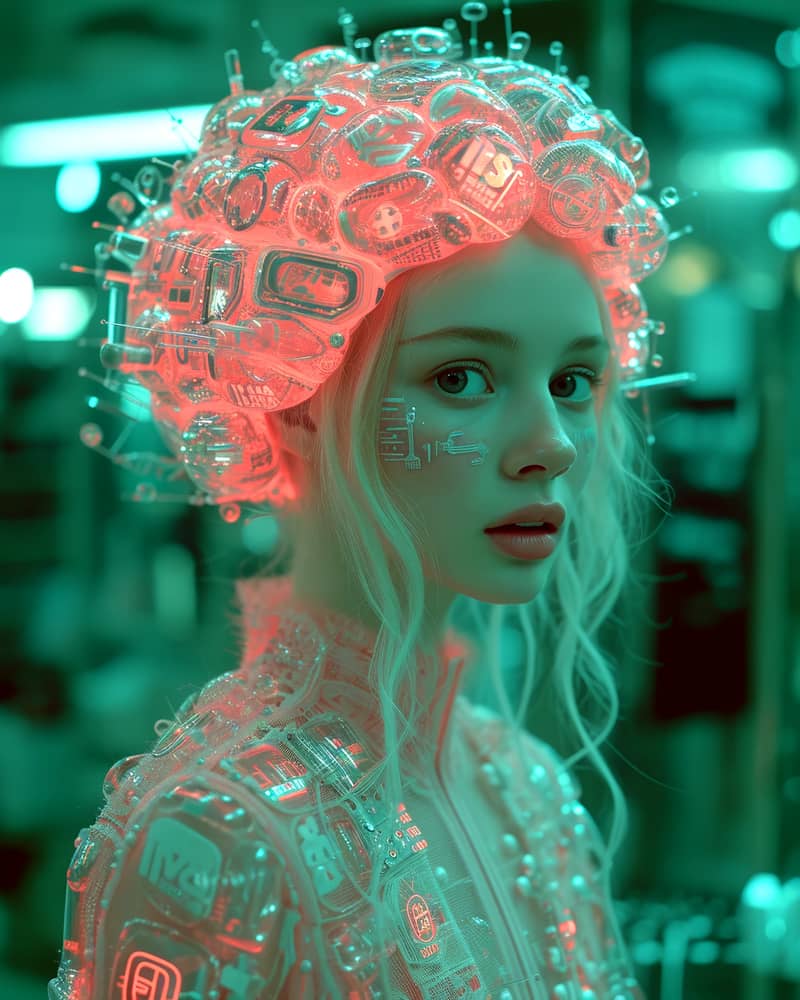
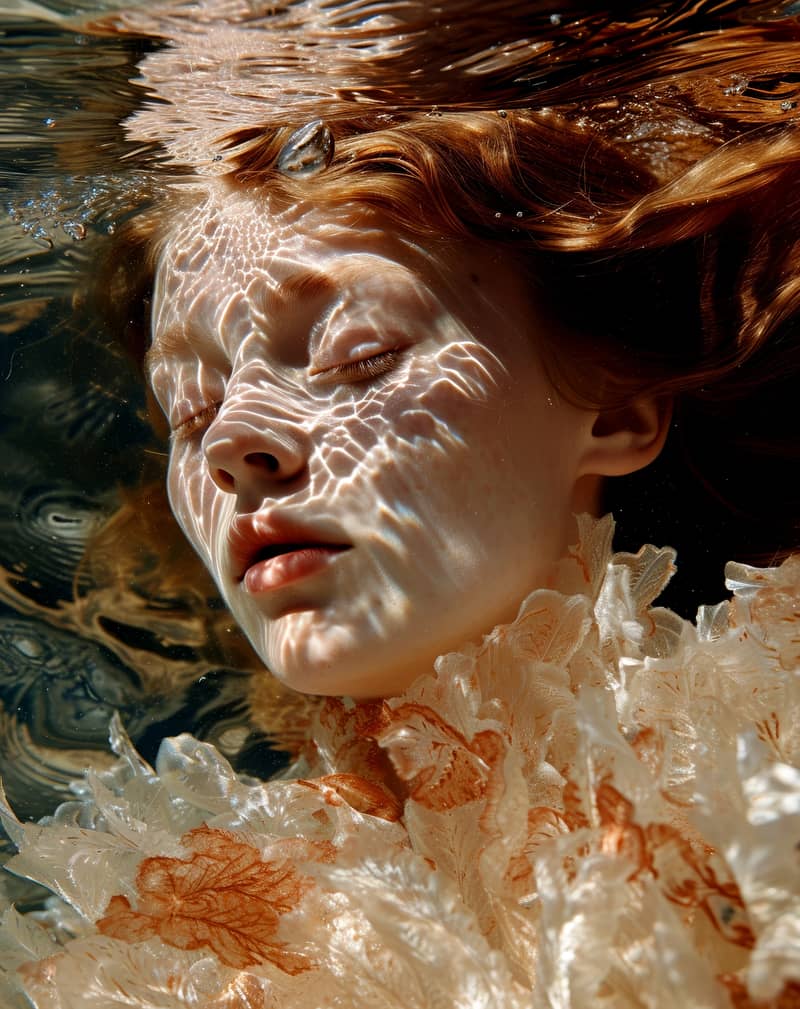
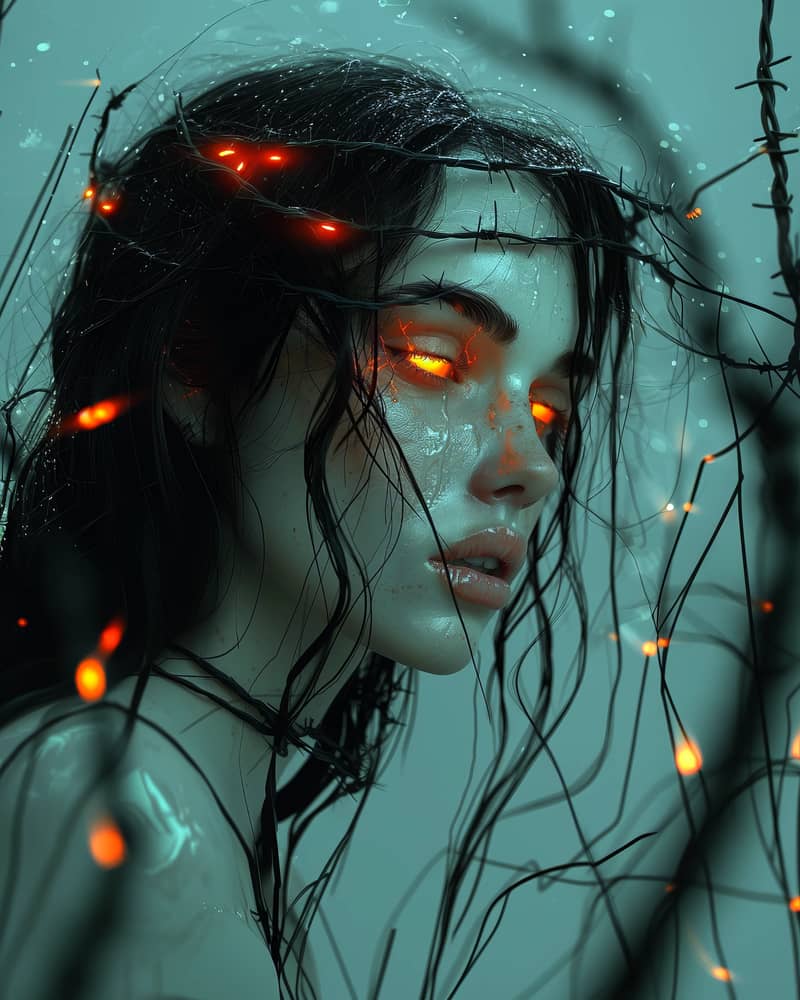
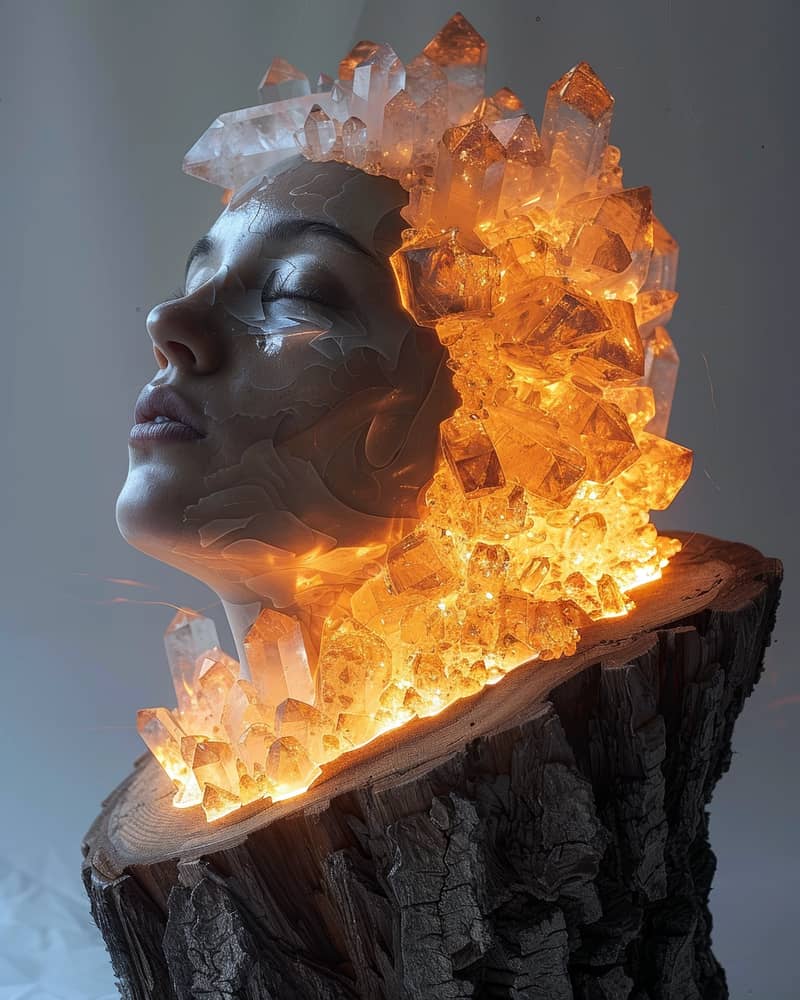
Precise detail preservation and natural composition showcase GPT Image 1.5's ability to handle complex character generation

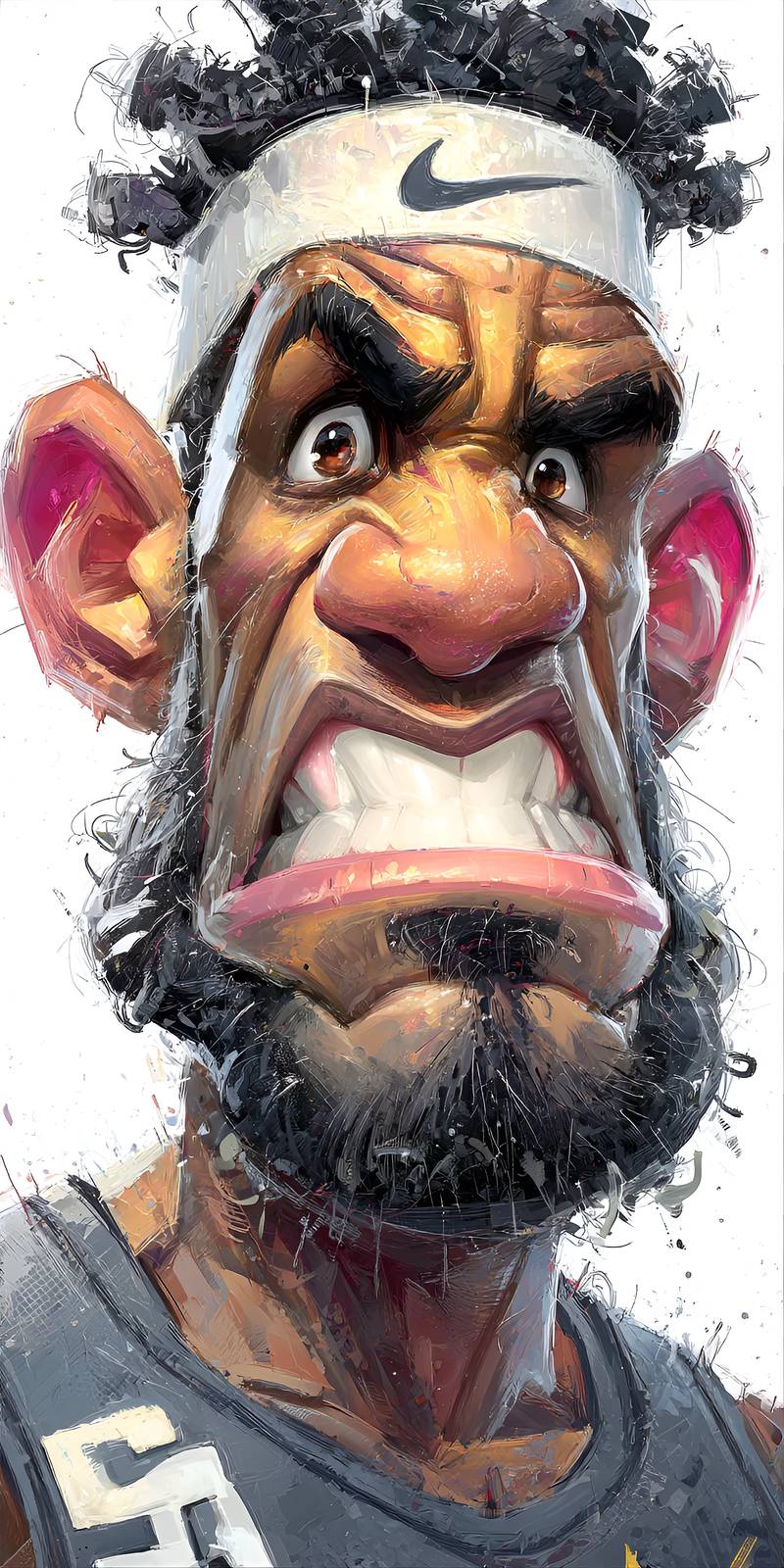
Improved text rendering makes signs, labels, and typography clear and professional in generated images

Believable transformations and precise edits demonstrate GPT Image 1.5's advanced capability to modify images while preserving realism
What Makes GPT Image 1.5 Different?
4x Faster Generation
Speed is where you feel the difference immediately. Previous models made you wait, sometimes testing your patience as seconds turned into minutes. GPT Image 1.5 flips that equation entirely—images appear almost as fast as you can finish typing your prompt. This isn't just a nice-to-have feature; it fundamentally changes how you work. Quick iterations mean you can test ideas rapidly, respond to feedback in real-time, and maintain creative momentum without frustrating delays.
Precise Detail Preservation
The old frustration: "Change the background but keep everything else the same." Most AI models would alter facial features, shift clothing details, or introduce subtle unwanted changes. GPT Image 1.5 solves this by understanding which elements should remain untouched. When you edit an image, the parts you want preserved stay pixel-perfect while only your intended changes happen. This precision makes the model actually useful for professional work where consistency matters.
Better Instruction Following
Ever written a detailed prompt only to have the AI ignore half of it? GPT Image 1.5 actually listens. Specify colors, positions, styles, moods—the model tracks these instructions and delivers what you asked for. This stronger instruction adherence means fewer wasted generations and more time creating exactly what you envisioned. Complex prompts that used to require luck now produce consistent, accurate results.
Improved Text Rendering
Text in AI-generated images has always been a weakness—garbled letters, nonsensical words, unreadable fonts. GPT Image 1.5 tackles this head-on with dramatically improved text rendering. Store signs are legible, book covers display actual words, product labels make sense. Whether you need small fine print or bold headlines, the text comes out clear and professional. This opens up entirely new use cases for designs requiring readable text elements.
How Creators Are Using GPT Image 1.5
Product Photography Without the Photoshoot
E-commerce teams are discovering they can show products in dozens of lifestyle contexts without expensive photography sessions. Take one clean product shot, then use GPT Image 1.5 to place it in different settings—cozy living rooms, modern offices, outdoor patios. The product remains identical while the environment transforms. Same goes for seasonal variations or regional customization. One product image becomes a library of contextual shots, all generated in minutes.
Social Media Content at Scale
Content creators face relentless demands for fresh visuals. GPT Image 1.5 becomes a creative partner that never sleeps. Generate quote graphics with perfect typography, create illustrated blog headers that match your brand style, produce thumbnail variations for A/B testing—all without touching traditional design software. The speed means you can batch-create a week's worth of posts in an afternoon, then spend your time on strategy and engagement instead of pixel pushing.
Rapid Concept Development
Design teams use GPT Image 1.5 to explore concepts before committing resources to final production. Pitch three different visual directions for a campaign in the time it used to take to brief an illustrator on one. Test color palettes, compositions, and styles by generating variations instantly. Client feedback becomes actionable immediately—"make the background warmer" takes seconds, not a revision cycle. This rapid iteration helps teams find the right direction fast.
Personalized Marketing Visuals
Marketing automation meets visual personalization. Generate hundreds of variations of an ad, each customized for different audience segments, locations, or demographics. The same core message with visuals adapted to resonate with specific groups. GPT Image 1.5's consistency ensures brand coherence while the editable precision enables meaningful customization. What used to require manual design work for each variant now happens automatically at scale.
Get Started with GPT Image 1.5
Professional image generation powered by GPT Image 1.5 doesn't require enterprise budgets or technical expertise. Whether you're a solo creator testing new ideas, a small team producing content, or an agency serving multiple clients, there's a plan that fits your workflow and budget.
Start creating immediately with flexible plans that scale with your needs. Generate a few images to try things out, or commit to a plan for serious production work:
Choose Your Perfect Plan🎅
Join 15,000+ creators making stunning AI videos. All plans include our complete AI toolkit.
Starter
- 1440 credits instantly
- Text & Image-to-Video AI
- Character consistency
- 720P + 1080P exports
- Lip Sync & Face Swap
- Valid for 12 months
- Email support
Pro
- 9600 credits instantly
- Everything in Starter Yearly, plus:
- ⚡ Priority queue (2x faster)
- Advanced AI models
- Batch processing
- Custom watermarks
- Valid for 12 months
- Priority support
Premium
- 33,600 credits instantly
- ≈ 8,640 videos over the year
- Everything in Pro Yearly, plus:
- 🚀 Ultra-priority (3x faster)
- API access (beta)
- No watermarks
- Brand kit presets
- Valid for 12 months
- Dedicated account manager
Starter
- 1440 credits instantly
- Text & Image-to-Video AI
- Character consistency
- 720P + 1080P exports
- Lip Sync & Face Swap
- Valid for 12 months
- Email support
Pro
- 9600 credits instantly
- Everything in Starter Yearly, plus:
- ⚡ Priority queue (2x faster)
- Advanced AI models
- Batch processing
- Custom watermarks
- Valid for 12 months
- Priority support
Premium
- 33,600 credits instantly
- ≈ 8,640 videos over the year
- Everything in Pro Yearly, plus:
- 🚀 Ultra-priority (3x faster)
- API access (beta)
- No watermarks
- Brand kit presets
- Valid for 12 months
- Dedicated account manager
GPT Image 1.5 vs Traditional Image Creation
The comparison isn't really fair anymore. Traditional workflows involve coordinating photographers, models, locations, lighting, post-production—each step adds time and cost. GPT Image 1.5 collapses days of work into minutes. But it's not just about speed; it's about what becomes possible when iteration is essentially free.
Traditional Process
Timeline
Days to weeks: briefing, scheduling, shooting, editing, revisions
Cost
Hundreds to thousands per image: personnel, equipment, locations, licensing
Flexibility
Limited: major changes require reshooting, minor edits need skilled editors
Iteration
Expensive: each variation multiplies costs and timeline
GPT Image 1.5
Timeline
Seconds to minutes: prompt to final image, immediate edits
Cost
Pennies per image: predictable pricing, no hidden fees
Flexibility
Unlimited: precise edits preserve details, transformations happen instantly
Iteration
Trivial: test dozens of variations, explore creative directions freely
This doesn't mean traditional photography disappears—there are still scenarios where nothing beats a professional shoot. But for the vast middle ground of commercial imagery, concept development, and content creation, GPT Image 1.5 offers capabilities that simply weren't accessible before. Small teams can produce visuals that rival agency work. Individual creators can maintain output levels that used to require entire departments.
The real shift is psychological. When creating an image costs nearly nothing in time or money, you stop being precious about ideas. You test things. You explore. You try the weird concept that might not work but could be brilliant. GPT Image 1.5 removes the fear of experimentation, and that creative freedom unlocks possibilities that rigid traditional workflows could never support.
Getting the Most from GPT Image 1.5
Like any powerful tool, GPT Image 1.5 rewards understanding how it thinks. These practical insights come from creators who've generated thousands of images:
Be Specific, Not Verbose
Longer prompts don't automatically mean better results. GPT Image 1.5 responds well to clear, specific instructions. Instead of "a beautiful landscape with mountains and trees and a river and maybe some clouds," try "snow-capped mountain peak reflected in a calm alpine lake at dawn, pine trees in foreground." Precise language gives the model clear direction without overwhelming it with details.
Use the Edit Feature Strategically
The preservation capabilities shine when you're methodical about edits. Generate your base image first, get it close to what you want, then use targeted edits to refine specific elements. Trying to do everything in one prompt often leads to compromise. The iterative approach—base generation then strategic edits—produces better final results than attempting perfection in a single generation.
Leverage Style References
When you need consistency across multiple images, establish a style reference early. Describe the aesthetic clearly—"minimalist flat design with pastel colors" or "photorealistic with dramatic lighting and shallow depth of field"—and use variations of that description across your generations. GPT Image 1.5 maintains style coherence well when given clear direction.
Test Text Carefully
While text rendering is vastly improved, it still benefits from thoughtful prompting. For best results with text elements, specify exactly what you want—"store sign reading 'OPEN' in red neon letters" rather than just "neon sign." The model performs better with explicit text instructions than implicit expectations. Also, shorter text strings tend to render more reliably than long paragraphs.
Where Image AI Goes from Here
GPT Image 1.5 represents a significant milestone, but it's clearly not the end of the road. The improvements over previous versions—especially in speed, precision, and text rendering—suggest accelerating development rather than plateaus. Each generation of these models leapfrogs the last in ways that weren't predictable.
Current limitations give hints about future developments. Video generation will likely follow similar trajectories—precise edits, faster processing, better instruction following. Integration with other AI capabilities means we'll probably see models that understand context across multiple modalities, generating images that fit seamlessly into larger creative projects. Real-time generation could transform interactive applications.
The more interesting question isn't what the technology will do, but how creative workflows adapt. As AI image generation becomes reliable enough for production use, we're seeing new roles emerge: prompt engineers who specialize in extracting specific styles, AI art directors who curate and refine generated content, hybrid workflows where AI handles iteration while humans provide creative direction and final polish.
GPT Image 1.5 feels like the first version that truly delivers on the promise of AI image generation—fast enough to be practical, precise enough to be useful, consistent enough to be reliable. That combination unlocks creative possibilities that weren't viable when any one of those elements was missing. Whatever comes next will build on this foundation, but right now, this is the tool that makes AI image generation actually work for real creative challenges.
Ready to Transform Your Creative Workflow?
Join thousands of creators using GPT Image 1.5 to produce professional-quality images faster than ever before. Start creating today.
Create with GPT Image 1.5 Now